
Analyze with AI
Get AI-powered insights from this Mad Devs article:
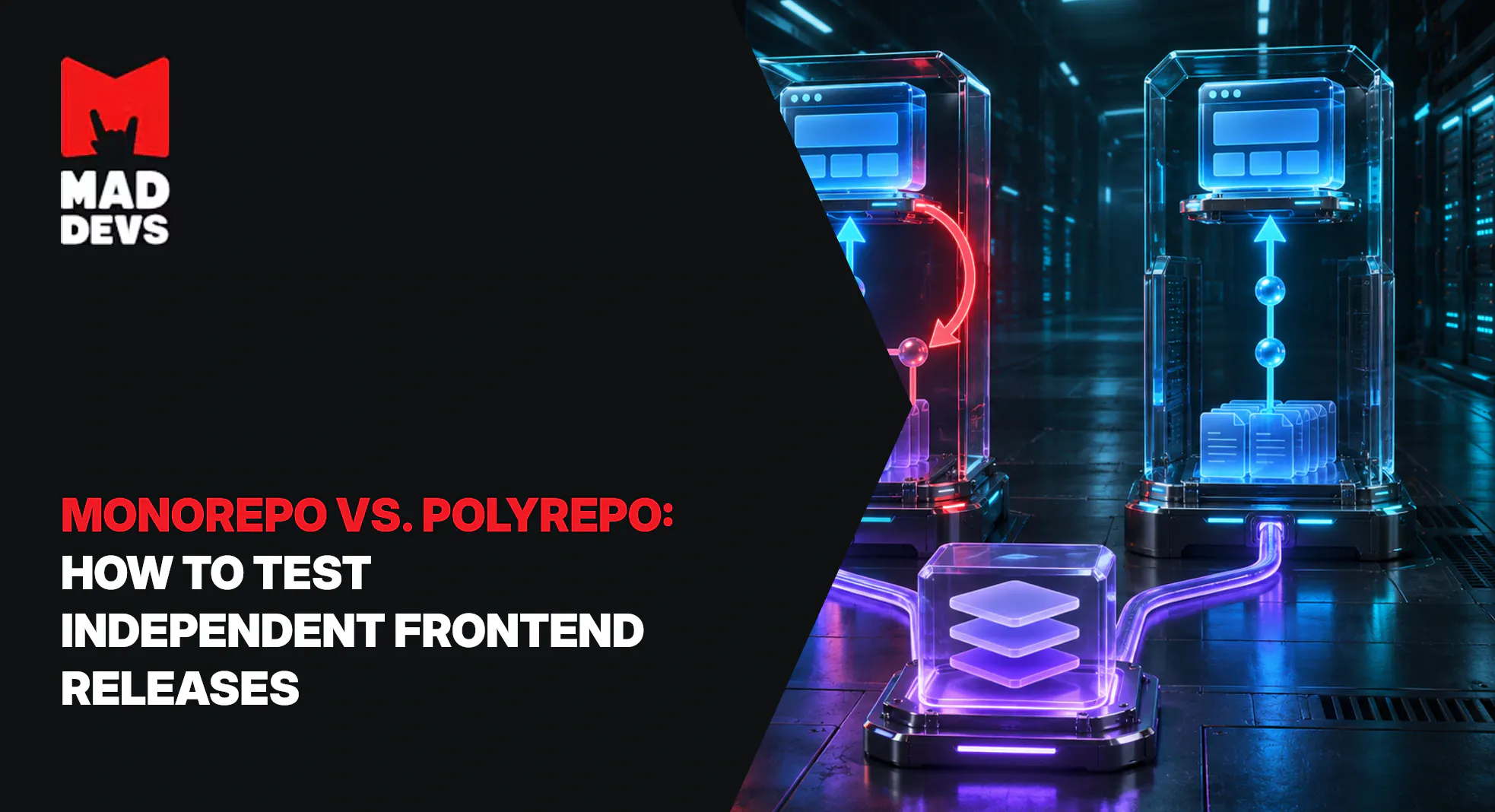
Checkout needs to ship this week. Account Portal cannot adopt the next version of your shared UI package yet. As frontend lead, you need to establish whether Checkout can take the update, deploy, and roll back while Account Portal stays on its current version.
A useful monorepo vs polyrepo comparison follows that change through both setups. This guide uses a hypothetical pair of existing applications to separate repository structure, package versions, and deployment. You will define the required isolation, run a release pilot, and use its evidence to decide whether to keep your repositories or scope a migration.
Key takeaways
- Evaluate merging code, publishing a package, and deploying an application separately. Each action can have different owners and approvals.
- Specify which shared package version belongs in each build. Compatibility means the existing application still satisfies its contract and user journeys with that version.
- Pilot one breaking change to a real shared package. Release and roll back Checkout while confirming that Account Portal keeps its version and continues working.
Define what independent releases mean for your apps
Define independence as an observable outcome: Checkout can deploy and restore its previous artifact without a new Account Portal deployment. Agree how long UI package v1 and v2 may coexist and which reviews legitimately require both teams. Set a maximum acceptable wait for those approvals before running the pilot. Record these decisions before either team edits application dependencies.
Name a package owner and one release owner for each application. In this hypothetical example, the notification component changes from a message property in v1 to a required content object in v2. Checkout needs the new contract; Account Portal retains the old one.
Document the component API, both applications’ downstream tests, and who approves package publication and application deployment. Include notification rendering, dismissal, and accessible announcements in the compatibility checks. If the component boundary remains unclear, resolve that scope through building a design system for an existing product.
Separate publishing a package from deploying an app
Treat merge, package release, and application deployment as three actions. A merged v2 implementation should not silently change Account Portal’s next build. Inspect dependency declarations, lockfile changes, and resolution rules: a source alias into the working tree can bypass the package version you intended to consume.
A shared lockfile also needs review for unintended consumer updates. Nx’s independent release guide, checked November 23, 2026, documents separate project versions and configurable dependent updates. That configuration still needs an application deployment policy.
Compare monorepo and polyrepo against the same change
Compare both structures using the notification contract change. In a frontend monorepo, keep Checkout, Account Portal, and the package source together, while application builds consume explicitly selected published package artifacts. In a polyrepo, keep each application and the shared package in separate repositories, using the same registry artifacts. Both arrangements must preserve Account Portal’s v1 dependency.
Nx’s comparison discusses shared changes, organizational policies, and deployment choices. Use the matrix below to collect evidence from your implementation. A single commit can simplify reviewing related code, while package consumption and deployment still require explicit controls.
| Decision factor | Monorepo | Polyrepo | Evidence to collect |
|---|---|---|---|
| Coordinated code change | Review package and consumer edits together; merge need not deploy either app. | Link package and consumer pull requests across repositories. | Review trail for the same notification API change. |
| Access boundaries | Verify whether the repository platform supports the required restrictions; ownership rules alone need scrutiny. | Assign repository permissions separately; check registry and CI access too. | Effective read, write, and release permissions for each owner. |
| Independent versioning | Select package artifacts explicitly; prevent source aliases from overriding pins. | Pin the chosen published version in each consumer. | Resolved package versions and artifact integrity records from both builds. |
| Release and rollback | Give each app a deployment target and retained rollback artifact. | Keep separate pipelines and verify that shared automation does not deploy both. | Deployment history and the artifact restored for Checkout. |
| Upgrade coordination | Identify shared checks or approvals that block Checkout. | Identify cross-repository reviews and consumer update approvals. | Required interteam approvals, owners, and actual waiting time. |
For the monorepo option, inspect a clean production build to confirm that Checkout resolves v2 from the registry and Account Portal resolves v1. Separate package manifests are insufficient evidence if bundler aliases redirect both imports to current source. For the polyrepo option, inspect the same resolution evidence and check whether a package publish automatically opens or merges consumer upgrades.
Keyhole Software’s modernization account describes an external architectural assessment followed by React SPA work in a monorepo for an anonymous client. The account illustrates one assessment and implementation engagement; it does not establish that either structure will satisfy your approval or rollback requirements.
Run this proposed pilot first in a production-like environment, using the same four operations for each repository option. Record the starting application artifact IDs, exact package versions, test commands, and required approvers. Keep backend behavior unchanged so that the notification contract is the variable under evaluation.
- Publish v2 alongside pinned v1. Preserve @company/[email protected] and publish 2.0.0 with the new notification contract. npm’s semantic versioning guidance assigns backward-incompatible changes a major increment. For this pilot, use exact dependency pins and committed lockfiles. Verify that both artifacts remain retrievable; a major number alone does not prove compatibility.
- Update only Checkout. Adapt its notification call site, select 2.0.0, and run package contract tests, Checkout type checks, component tests, and the checkout journey. Build from a clean install and capture the resolved package identity. Deploy only Checkout’s resulting artifact. In the monorepo, disable local source substitution for this build so the test consumes the selected registry artifact.
- Verify Account Portal. Rebuild its unchanged revision against 1.8.4 and run its notification and account journeys. Confirm that the deployed Portal artifact remains unchanged and works alongside Checkout on v2. Record every required cross-team approval, the checks triggered, and which applications actually deployed. Running Portal checks does not require deploying Portal.
- Roll back only Checkout. Restore its retained pre-update application artifact containing v1. Repeat Checkout’s notification and purchase checks, then confirm that Account Portal still runs its original artifact on v1. Check asset availability and cache behavior so the restored application can load its original bundles. Record whether rollback required another team’s release or an unexpected package publication.
Keep a pilot log with one entry per operation: expected and observed package versions, build and deployment IDs, check results, approvals, waiting time, and rollback outcome. Mark missing observations as unresolved. A green pipeline without package identity or deployment evidence cannot close the pilot.
SpotDraft’s migration account describes rehearsing its move in a fresh workspace and documenting issues before repeating the process. That historical experience supports rehearsing your change; its Angular and Nx setup is specific to that project.
Decide whether the repository boundary needs to move
Keep the current boundary if Checkout can deploy v2 and restore its v1 artifact while Account Portal remains operational on v1, with approvals inside the agreed limit. Turn the successful pilot into a dependency agreement: exact version selection, compatibility checks, an owner for each supported major version, and a date to review v1 retirement.
Classify each failure before estimating a migration. A workspace alias that pulls current UI source into both builds calls for dependency resolution changes. A pipeline that deploys both apps calls for deployment separation. Repeat the failed operation after correcting the relevant control, and compare the new evidence with the original log.
Consider moving a repository boundary when required access restrictions cannot be enforced at the needed level, or release approvals still force unacceptable coordination. Test the second structure with the same package versions, checks, and rollback steps. Require it to demonstrate the missing isolation before committing to extraction.
Assign the platform team ownership of registry availability, artifact retention, and CI credentials. Assign the package owner responsibility for maintaining both contracts during coexistence. Each application owner controls consumer upgrades and deployment acceptance. Give the migration lead responsibility for transferring history where needed, reconnecting checks, and retiring obsolete automation.
Estimate that work from the observed failures and ownership changes. For adjacent architectural decisions, see frontend architecture trade-offs. The pilot’s decision remains specific: retain the working boundary, or scope the smallest move that resolves the demonstrated constraint.
Conclusion
Choose one incompatible change in an existing shared UI package and agree what counts as an isolated release and rollback. Capture package identities, application artifacts, compatibility results, and required approvals at every step. If Checkout can move forward and back while Account Portal stays working on v1, document the controls that made it possible. If permissions or approvals prevent that outcome, repeat the same pilot across the proposed boundary and use the difference to scope the work.
Frontend architecture Plan a two-app release pilot Mad Devs can help you pilot a change to one shared UI package across two existing apps. We can map dependencies and ownership, test separate releases and rollback, and scope a phased move if the current setup blocks delivery. Bring the two apps’ release schedules and the shared package you need to change. Discuss your pilot |
Latest articles here